A spare bedroom with a folding table gets you through a few weeks of remote work. It does not get you through years of it. The right home office setup ideas turn an underused room or an awkward corner into a space where you can focus, take video calls without apologizing for the background, and end the day without a stiff neck or tired eyes.
For Seattle-area homeowners, a good workspace also has to answer some local realities: months of gray skies, older housing stock with too few outlets, and rooms that pull double duty. This guide walks through the decisions that matter most, from lighting and ergonomics to storage, wiring capacity, smart upgrades, and sound control. Stanis LLC is a Washington-licensed general contractor and handyman company serving the Seattle area, so we see these projects from both ends: one-hour desk assemblies and full room conversions. You can see our credentials before you bring anyone into your home.
Start With an Honest Assessment of Your Space
Before buying furniture or picking paint colors, spend an hour evaluating what you actually have and what your work actually requires.
Measure candidate spaces and note their condition. Pay attention to natural light, how close the space sits to household noise, and how many outlets are already on the wall. Homes in Redmond and Bellevue often have bonus rooms or dens that convert cleanly. Older Seattle craftsman homes may offer only a corner of a larger room instead, which changes your storage and privacy strategy from the start.
Then document your work habits. Do you run multiple monitors? Do you take frequent video calls that need a presentable background? Do you store physical files, product samples, or equipment? Do other people use the space in the evening? Every one of those answers shapes the layout, the furniture list, and the budget.
As market estimates for the planning stage, a professional space-planning consultation typically runs $100-300 in the Seattle area, while a DIY assessment with a free online room planner costs nothing but an afternoon. If you are considering structural changes such as removing a wall or adding built-ins, bring in a licensed general contractor early. Older Seattle homes hide load-bearing walls and dated wiring in exactly the places people want to open up.
Home Office Lighting for Seattle's Gray Months
Most questions we hear about home office lighting in Seattle come down to one thing: winter. Our overcast climate makes lighting the single highest-impact upgrade in most workspaces. Good light fights afternoon fatigue and reduces eye strain during long screen sessions.
Layer three types of light. Ambient lighting handles the room overall, task lighting covers the desk itself, and accent lighting defines the workspace visually within a larger room.
Natural light: position your desk perpendicular to the window rather than directly facing it, so you keep the daylight without the screen glare. Adjustable blinds or light-filtering curtains help you manage the occasional bright afternoon without giving up the view.
Artificial light, at typical market prices: LED desk lamps with adjustable color temperature run $50-200, pendant fixtures for ambient light $100-400, and under-cabinet LED strips $30-100. For dark Northwest mornings, daylight-balanced bulbs around 5000K make a real difference, and plenty of Seattle remote workers keep a bright light therapy lamp on the desk from November through February.
One boundary to respect: plugging in lamps is a homeowner job, but new lighting circuits, relocated switches, and hardwired fixtures are electrical work. Most Seattle-area cities require permits for that work, and a licensed electrician should handle it.
Building an Ergonomic Home Office
An ergonomic home office starts with the relationship between desk and chair. Your elbows should rest at roughly 90 degrees while typing. Standard desks run 28-30 inches tall, and adjustable-height desks add flexibility if more than one person uses the space or you like to alternate sitting and standing through the day. Standing desks have become close to standard issue among tech workers on the Eastside, and for good reason: changing position regularly does more for your back than any single piece of equipment.
For chairs, look for lumbar support, adjustable seat height, and breathable materials. Your feet should sit flat on the floor with your thighs parallel to it. Quality office chairs run $200-800 on the open market. Treat the chair as a health investment rather than a splurge; it is the one item you will use for thousands of hours.
Position monitors at arm's length with the top of the screen at or slightly below eye level. Multi-monitor setups usually call for monitor arms or wall mounts, and anything mounted to the wall must be anchored to studs, not just drywall.
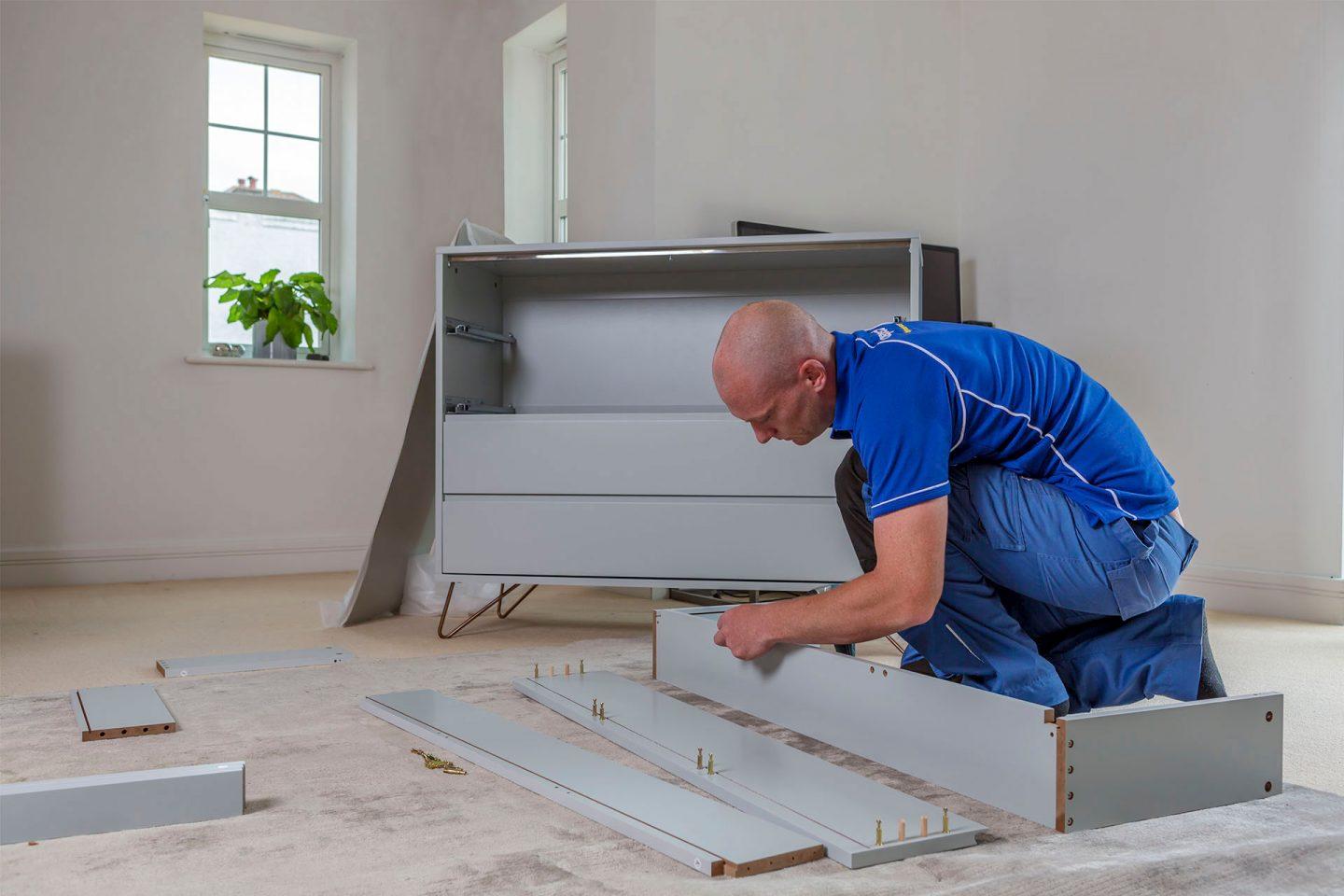
This is also the stage where projects stall. The motorized standing desk arrives in three heavy boxes, the shelving system has 200 parts, and the weekend disappears. Our furniture assembly service handles standing desks, IKEA systems, shelving, and monitor mounting, and most single-desk jobs are finished in a couple of hours.
Home Office Storage Solutions That Fit Small Rooms
Seattle-area rooms tend to be modest, so effective home office storage solutions lean vertical and multi-functional.
Built-ins: custom shelving uses the full wall height and can be matched to your home's existing millwork. Floor-to-ceiling bookcases suit traditional homes in Renton and Kent especially well, and they double as sound absorption once they fill up with books.
Modular systems: floating shelves, wall-mounted cabinets, and cube storage adapt as your needs change and move with you if you relocate. They are the sensible choice for renters and for anyone who expects the room to change roles again in a few years.
Documents: most professionals still keep some paper. Scan the archive, file the active documents within arm's reach, and put anything irreplaceable in a fireproof safe.
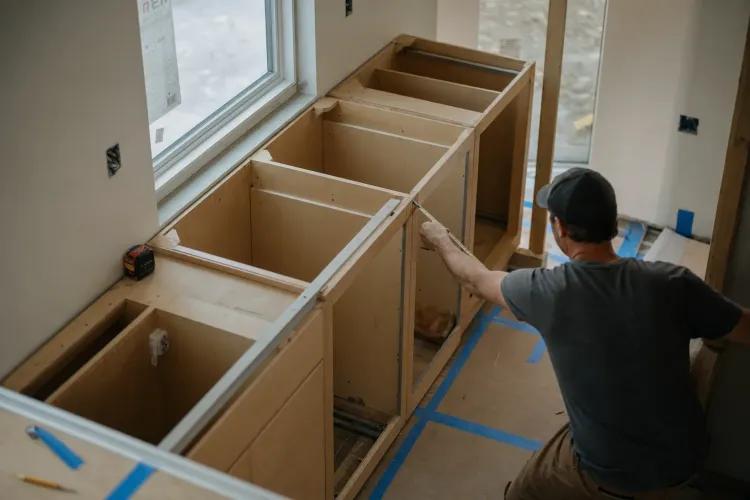
Typical market costs: DIY floating shelves run $20-60 per shelf, modular cube systems $100-400, a solid filing cabinet $150-500, and custom built-in shelving $500-2,000 depending on complexity. Built-ins involve real carpentry and secure wall anchoring, which is where a general contractor or experienced handyman earns the fee.
Power, Internet, and Cable Management
Count every device that needs power at your desk: computer, monitors, printer, lamp, chargers, speakers, maybe a space heater in January. Then count the outlets on that wall. In many older Seattle homes the answer is two, and a nest of daisy-chained power strips is both ugly and a genuine safety hazard. Our guide to home electrical safety for Seattle homeowners covers how to recognize an overloaded circuit before it becomes a problem.
To be clear about scope: adding outlets, USB receptacles, or new circuits is work for a licensed electrician, and permits usually apply. What a handyman team can do is everything around the wiring: under-desk cable trays ($30-80), cable sleeves and clips ($10-25), cord management boxes ($15-40), mounting surge protectors neatly out of sight, and routing cords so the desk finally looks clean.
For internet, video calls reward reliability over raw speed. If your office sits far from the router, a mesh Wi-Fi system or a hardwired ethernet run removes most dropped-call frustration. Sort the network out before you buy more equipment that depends on it.
Smart Upgrades for Your Home Office
Working from home means you experience your house all day, which makes a handful of smart home office upgrades genuinely useful rather than gimmicky.
Smart lighting. Smart bulbs and plug-in smart lamps need no wiring changes at all. Set a routine that runs cool, bright light through the workday and warms up in the evening. On dark December mornings, a sunrise-simulation routine makes the 7 a.m. start noticeably easier.
A smart thermostat. Heating a whole house all day for one occupied room is expensive. A learning thermostat such as a Nest or Ecobee can hold a schedule built around your workday, and Puget Sound Energy and Seattle City Light both offer rebate programs that offset part of the purchase price. A like-for-like swap on existing low-voltage wiring is a quick job; anything involving new HVAC wiring or heat pump configuration belongs with an HVAC contractor.
A video doorbell. Remote workers receive a lot of deliveries. A video doorbell lets you handle packages and visitors without breaking focus, and battery-powered models install in minutes even without existing doorbell wiring.
Smart plugs. A $15-25 smart plug with energy monitoring shows you exactly what your office equipment draws and shuts it all down on schedule at the end of the day.
Pick one platform. Alexa, Google Home, and Apple HomeKit all work well. The practical answer is to match your phone: Android households usually land on Google Home, iPhone households on HomeKit, and heavy Echo users on Alexa. Choosing devices with Matter support keeps your options open if you ever switch.
Sound Control and Privacy
Acoustic privacy keeps calls professional and household noise out of your head. Soft surfaces do most of the work: an area rug, fabric wall panels, heavy curtains, and full bookshelves all absorb the reflections that make video calls sound hollow.
Market estimates for the common fixes: weather stripping a door runs $20-50, heavy curtains or acoustic panels $100-400, a white noise machine $30-100, and a solid-core door around $200-500 installed. If your workspace shares a room with living space, a bookcase divider, a hanging curtain, or frosted window film creates visual separation without a remodel.
Serious soundproofing, meaning insulation inside walls or structural changes, is a permitted construction project. That is general contractor territory, not a weekend job.
DIY or Hire It Out
Plenty of home office setup ideas are honest DIY projects: painting, simple furniture assembly, floating shelves on solid walls, basic cable management, and hanging artwork. Where projects go sideways is scope creep, when "hang a shelf" quietly becomes "open a wall."
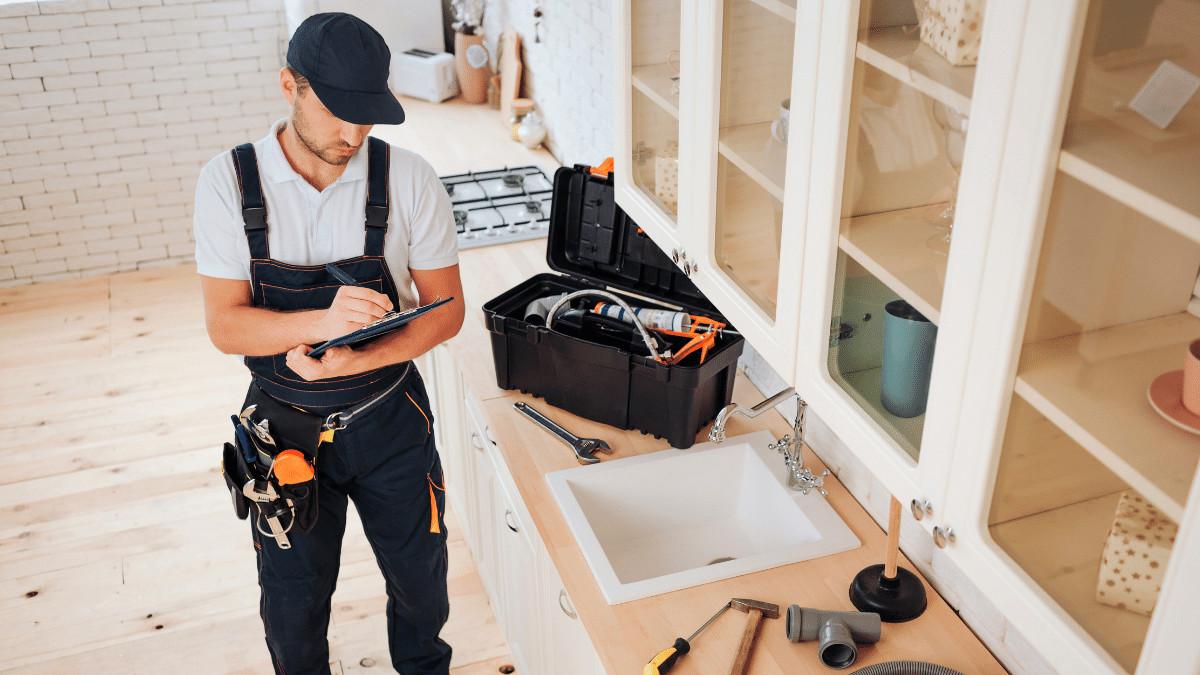
Bring in professionals for electrical work, structural changes, built-in cabinetry, and major soundproofing. Because Stanis LLC operates as both a general contractor and a handyman service, one call covers the whole spectrum: we can assemble the desk on Tuesday and quote the built-in wall unit for next month. See the full scope of our handyman services, and whoever you hire, verify the license through the Washington State Department of Labor and Industries before work starts.
What It Costs in the Seattle Area
Most home office setup ideas fall into three budget tiers. Treat these as market estimates for Seattle-area projects, not quotes. A basic refresh with paint, furniture, and accessories typically lands between $500 and $1,500. A moderate upgrade that adds lighting fixtures, some built-in storage, and electrician-installed outlets usually runs $2,000-5,000. A comprehensive office renovation with custom built-ins and structural changes can reach $5,000-15,000 or more.
For the handyman-scale pieces, our own pricing is straightforward: small jobs start at $99, a half day of work is $350, and a full day is $600. Assembling a desk, mounting two monitors, and taming the cables typically fits inside a half day.
Bringing It All Together
Sequence the work so nothing gets done twice. Handle infrastructure first, meaning electrical and internet, then furniture, then storage, then finishing touches. Most single-room projects follow a simple arc: plan and order materials in weeks one and two, complete any electrical or structural work in week three, assemble and place furniture in week four, and finish organization and decor after that.
The best home office setup ideas are the ones matched to how you actually work. A designer's space looks nothing like an accountant's, and both beat a folding table in the corner. Start with lighting and ergonomics, add storage and smart upgrades as real needs appear, and bring in licensed help for anything behind the walls.
If you want a hand with any of it, contact Stanis LLC. We are a Washington-licensed general contractor and handyman team serving Seattle, Bellevue, Redmond, Sammamish, Issaquah, Renton, and Kent, and we can take your workspace from sketch to finished room.